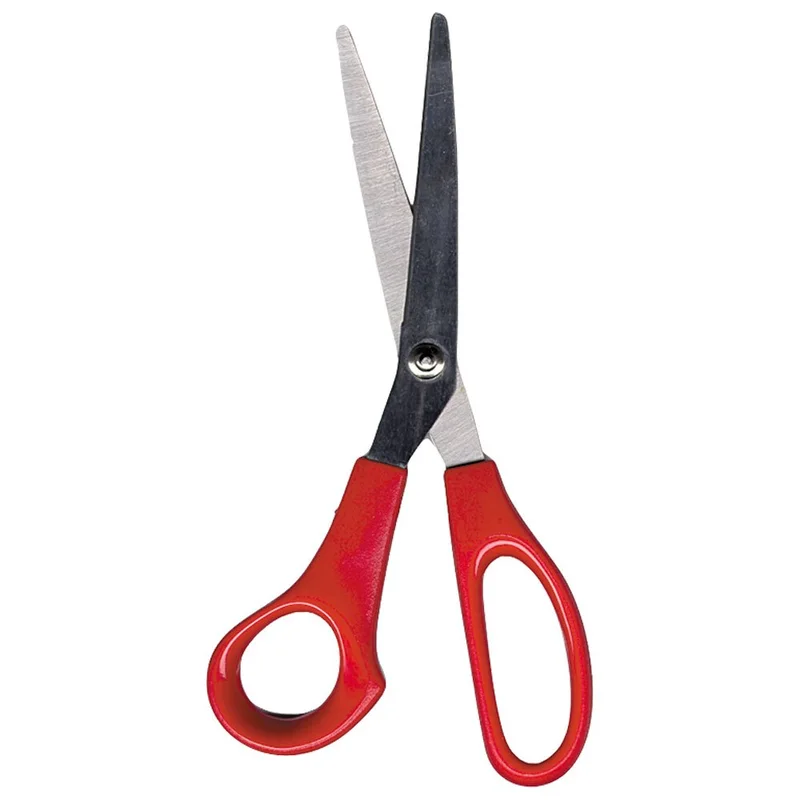
Studio Pro · Stained glass pattern shears
Studio Pro 605 Lead Came Pattern Shears
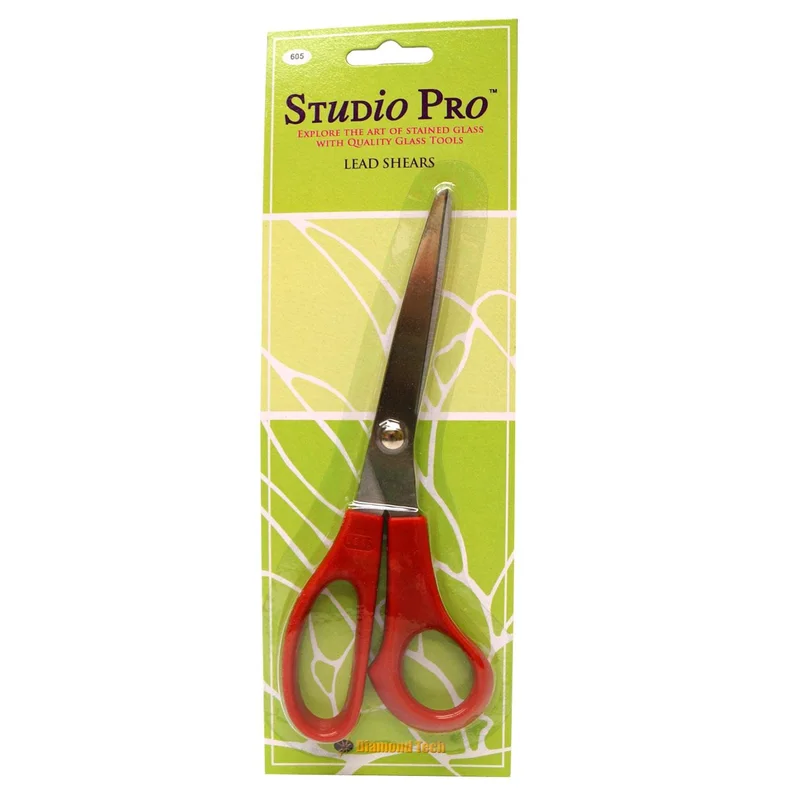
When to choose it
Choose the Studio Pro 605 when your paper pattern needs allowance for lead came. The pattern shear removes a strip as you separate adjacent paper outlines. This changes the size of the templates you will transfer to glass so the design can account for the channel between pieces.
Studio Pro lists a separate 604 for copper foil. Match the joining system before choosing the shear, because the allowance in the paper affects the fit later. If your pattern pieces are supplied with their final allowance already applied, check the project instructions before making an additional cut.
Specifications
- Brand
- Studio Pro
- Construction
- Lead pattern shears
- Work task
- Prepare a paper pattern
- Model
- 605
- Model
- 605
- Work material
- Paper pattern
- Joining system
- Lead came
- Amazon.com reference
- B002PRAU56
Fit and buying advice
Use model 605 for the lead pattern role. Use a documented lead cutter for trimming the metal channel itself.
Related choice Studio Pro 604 Copper Foil Pattern Shears ↗
Compare options in this department ↗
Documentation
Questions about this product
What part of the project does the 605 cut?
It cuts paper pattern pieces. A lead nipper or knife trims the channel later in the project.
When should I buy model 604 instead?
Choose 604 when the pattern calls for the copper foil allowance.
Can I use the model number to distinguish the two?
Yes. Studio Pro lists 605 for lead and 604 for foil.